How to remind AI of your key facts before a big step, so it stops ignoring what you already said.
You told AI something earlier. You can scroll up and see it. Then the answer comes back as if you never said it. Hi, Ginny here. This is how to put the important things back in front of me before it costs you a wrong answer.
01
Notice the habit
You scroll up the chat - there it is. So why am I answering as if you never told me?
Your assumption makes sense.
We’re still in the same chat.You can see our earlier messages.
So surely I can see them too?
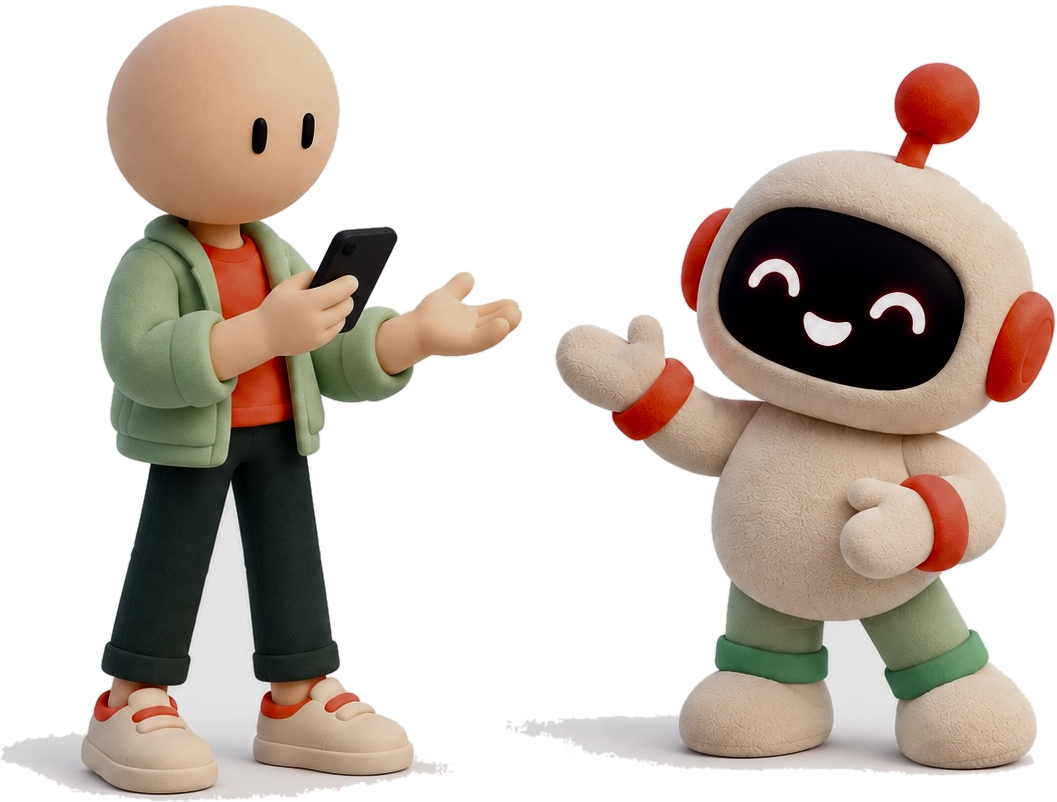
On your screen, nothing disappears. You can scroll back to the first message, so it feels like I have it all in front of me too. When I miss something, it looks like I wasn’t listening. That’s not what happened. Your screen shows you the chat. It doesn’t show you what I was handed.
02
What’s really going on
Not always.
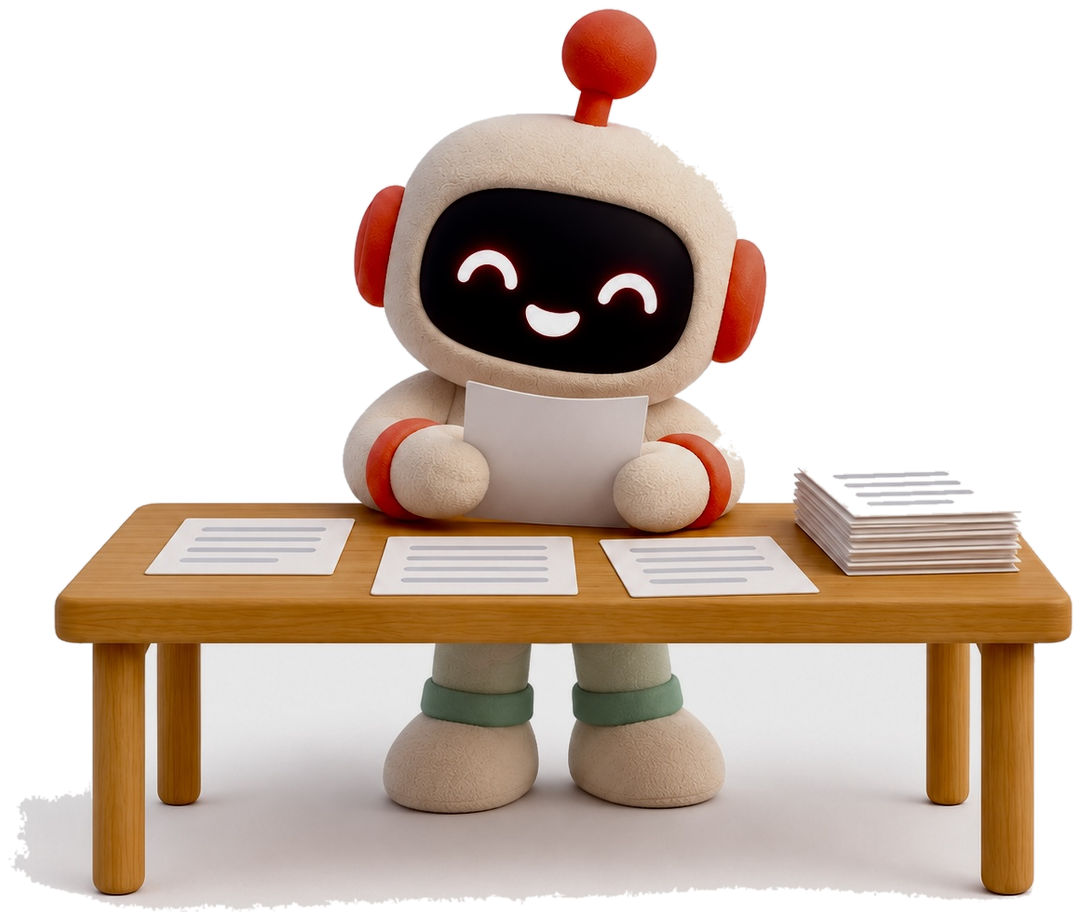
Imagine we’re working together at a desk. It’s huge. We can spread out lots of pages and see each one.
My desk100%
But when it gets too full, older pages may be replaced by a short note. I don’t move the pile myself. I work with what’s put in front of me, not automatically with everything underneath.
My desk is really big. But it still has edges.
Imagine we’re making a presentation.
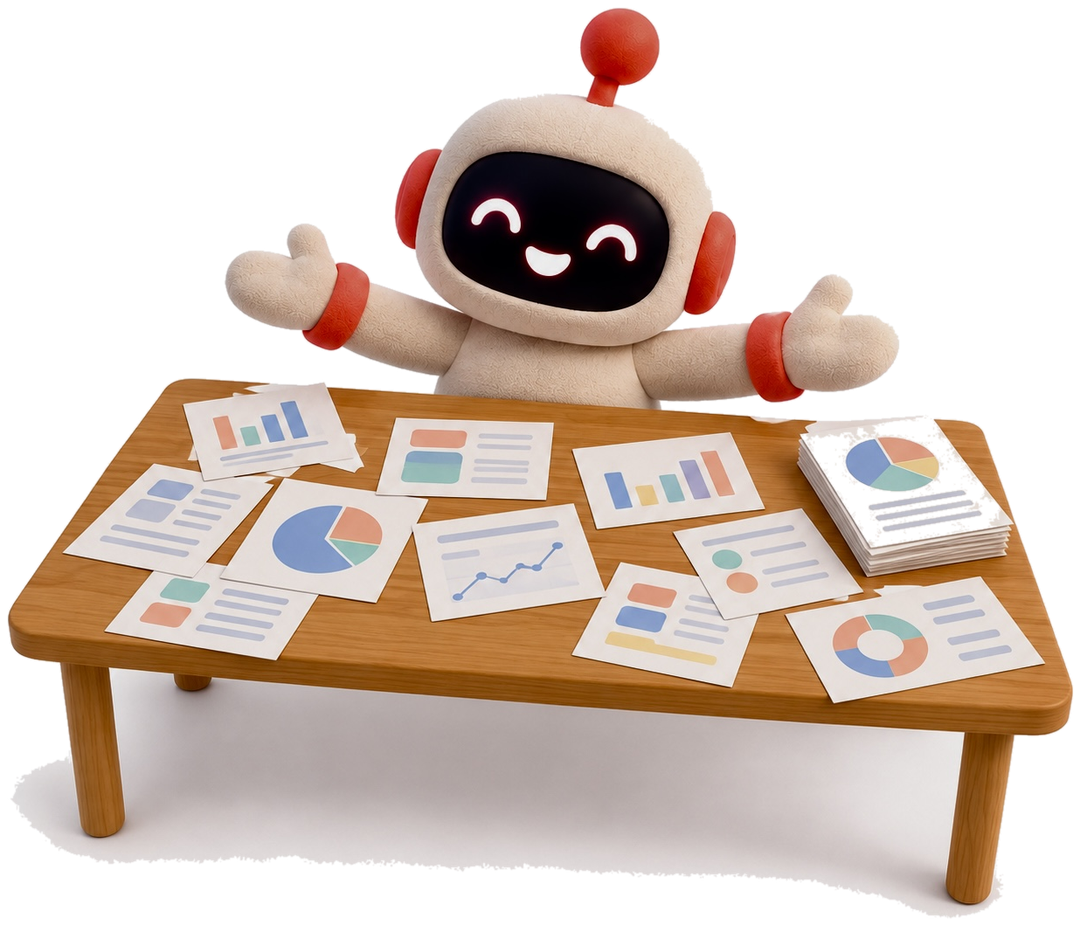
First, you give me a brief and a report. Then come drafts, corrections, more reports, rejected ideas and new decisions.
a brief+a report+drafts+corrections+new decisions=one desk
All of that shares the desk with your question, instructions and search results. The answer I’m building needs room too.
We call this working space context.
My desk doesn’t grow with it forever.
To keep a long conversation going, the app may shorten earlier parts into a summary or leave some parts out of what it gives me.
Still visible to you≠still available to me
A summary can keep the main story. But it may lose a detail you still care about.
Still visible to you doesn’t always mean still available to me.
The plain version. What you see on screen is the app’s record of the chat. What I get is what the app sends me with your new message. Some apps shorten a long chat to make it fit - Claude, for example, can let the oldest part drop out, or swap older parts for a short summary. I can’t tell from here what your app does, and apps differ. So don’t count on the old part still being on my desk. Put back what matters.
03
Do this instead
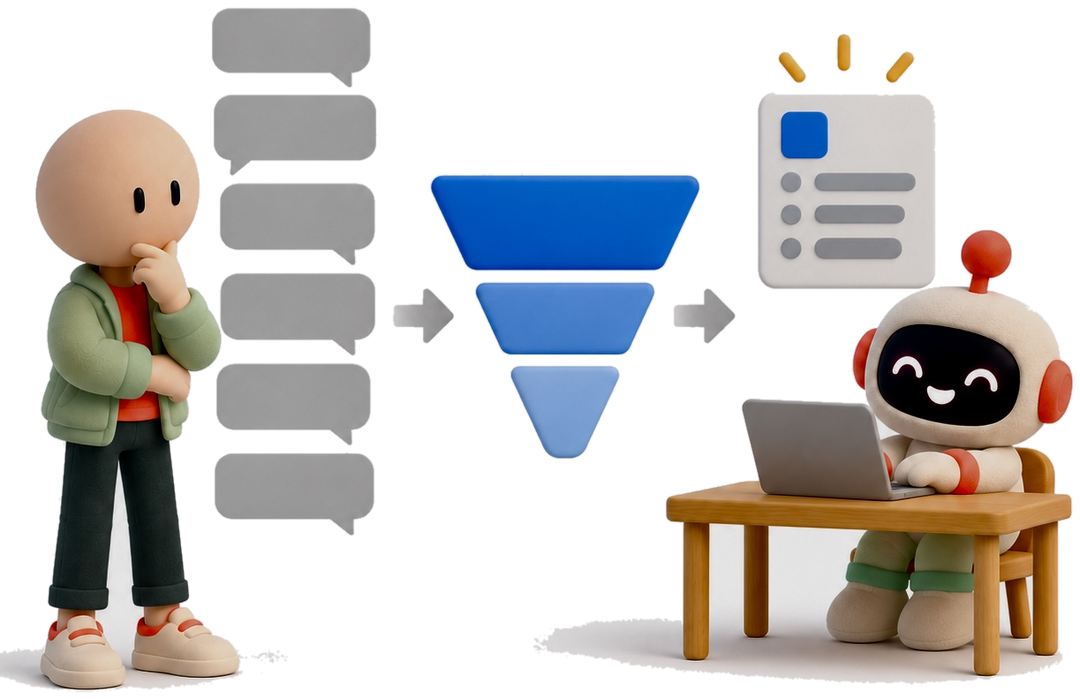
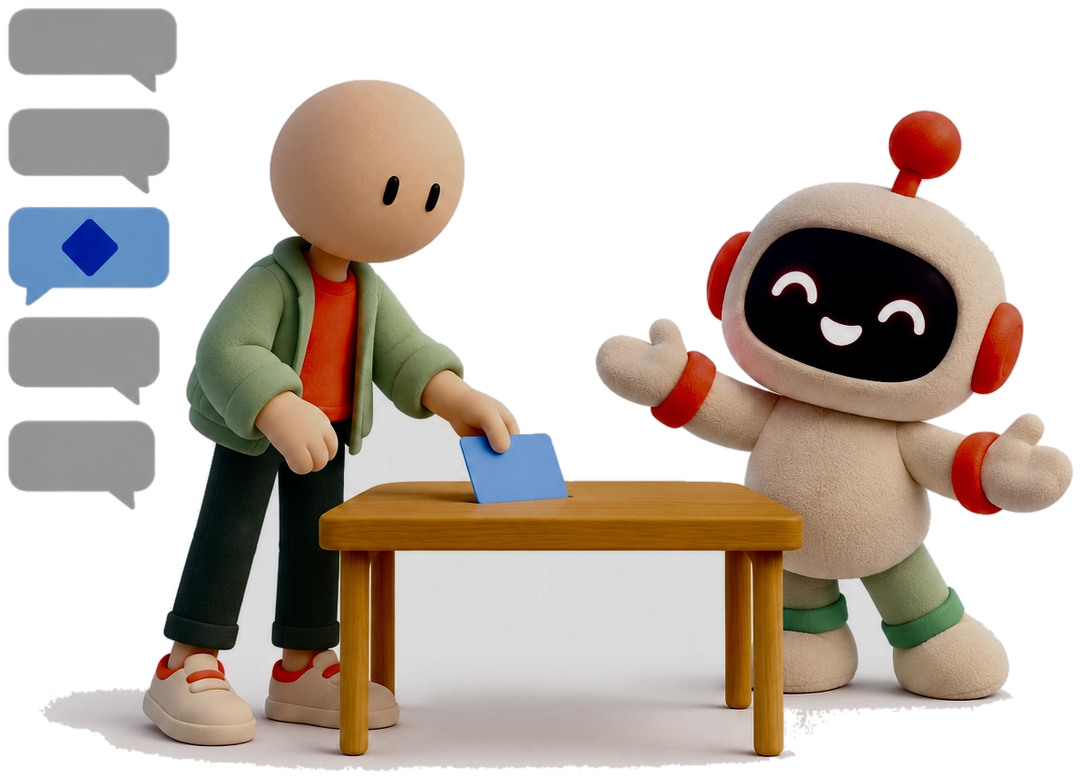
That’s why “I already told you” may not solve the problem.
told the Ginny before menot on my desk
repeat it, or a short current briefback on my desk
You did tell the Ginny before me. And now we need to make sure the important detail is back on my desk too.
You can repeat it or give me a short, current version of the brief.
What to do. Do it before the next big step, not after I’ve gone wrong.
Stop before a big step. A big step is writing the final version, making a decision, or starting a new part. Or the moment I answer as if I forgot something.
Ask me for the brief. Use the message in the next step. It asks for your goal, your must-have requirements and your decisions so far, and it asks me to flag what is unclear.
Read it against what you know. Look for what’s missing, old or wrong. A requirement I dropped. A decision you changed your mind on. Something I marked as unclear that you can answer now.
Fix it in your own words. Add what’s missing. Take out what’s no longer true. Answer what I flagged.
Tell me to use the corrected brief. Say it plainly: this is the brief, work from it for the next step.
It depends on what you are doing:
One detail is missing. You don’t need a whole brief. Say it again in one line, next to your question.
The chat is very long or has gone off track. Take the corrected brief into a new chat. Paste it as the first message. The new chat starts with only what you checked.
You come back after a few days. Ask for the brief first, before your question. Don’t assume the earlier work is still on my desk.
04
Try it now
Before the next big step, try:
AI chat
You
“Summarize our current goal, must-have requirements and decisions. Flag anything unclear.”
↑
Ginny
Check that summary against what you need. Add anything missing. Then tell me to use the corrected brief for the next step. You can also take it into a new chat.
We’re checking that we’re working from the same picture.
Copy the check as it stands:
AI chat
You
Summarize our current goal, must-have requirements and decisions. Flag anything unclear.
↑
AI
When the summary is right, or after you’ve fixed it, copy this under it. Fill in the brackets.
AI chat
You
Here is the corrected brief:

Goal: [your goal]
Must-haves: [the requirements that can't be dropped]
Decisions so far: [what we decided, and what we dropped]
Still open: [what we haven't decided yet]

Use this brief for the next step: [the next step]
↑
AI
To carry it into a new chat, paste the same message as the first message there.
What good looks like. An example, for a client presentation:
You check it. If the list is missing a must-have you gave an hour ago, you add it before I write a word. And you answer the unclear line, so I don’t guess.
05
IF IT DOESN'T WORK
If it doesn't work
The summary left out something important. I may have dropped it before I wrote the summary. Add it yourself, in one line, and then tell me to use it:
Copy this
Add this to the brief: [what is missing]. Keep everything else as it is, and use the updated brief from here.
The summary is too long or too vague. A brief you can’t check isn’t a brief. Ask for a tighter one:
Copy this
Make it shorter: one line each for the goal, the must-haves and the decisions. Keep every must-have.
I still drift a few messages later. The chat has probably got longer and the brief is no longer on my desk. Paste the corrected brief again, or start a new chat with it.
Copy this
Here is the brief we are working from. Use it for everything from now on, and tell me if anything I ask goes against it:

[paste the corrected brief]
Still visible to you is not the same as on my desk. Show me the brief, and we both work from the same one.
 My desk100%
 told the Ginny before menot on my deskrepeat it, or a short current briefback on my desk