Free guide · 4 min read
Get AI Recommendations That Match Your Taste
How to show AI what you like and what you don’t, so it recommends what really fits you instead of every average human.
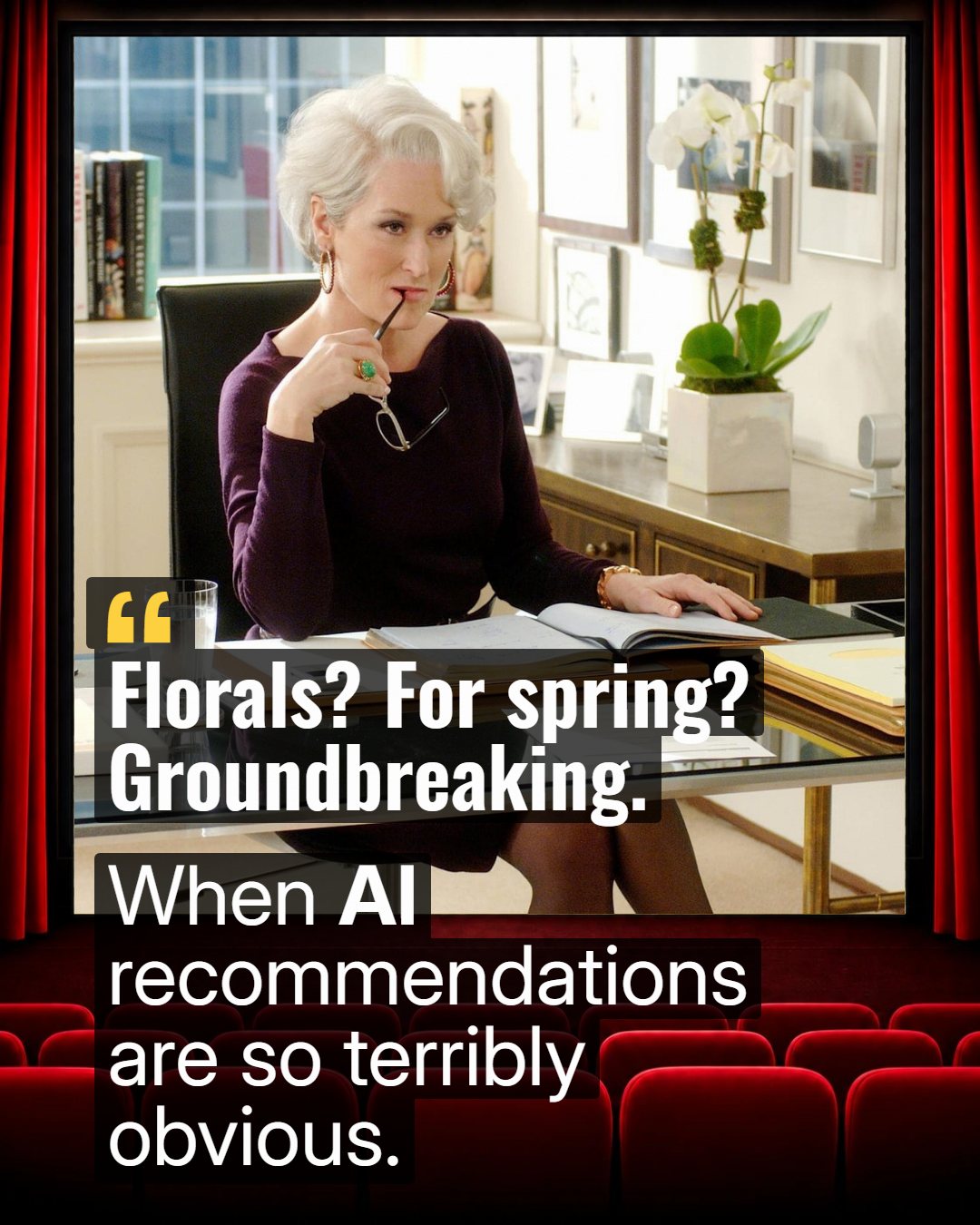






You ask AI for a hotel, an outfit or an idea, and it hands you the most obvious answer there is. It is not wrong. It is just not you. Here are three rules: show it examples, let it name the pattern and correct it, then ask for picks with reasons.
THE PROBLEM
Spot the signs
But AI doesn't automatically know your taste.
Why it happens. A request like "a hotel I will love" only has words to work with, and AI has never seen what you love. Some apps keep a memory of past chats, built from what you talked about. That is not the same as knowing what you like and what you can't stand. Taste is easy for you to feel and hard to put in a sentence, so the sentence comes out generic, and so does the answer.
THE COMMON MISTAKE
Skip the usual fix
Assuming "elegant, interesting, cozy" tells AI your tasteThose words can mean completely different things to different people.
When the first answer is obvious, the usual fix is more adjectives: elegant but cozy, premium but not stuffy. Each one is still a word AI has to guess the meaning of. You get a second answer that is just as obvious, in different words.
RULE 1
Show AI examples you like and examples you don't
What to do.
- Decide what you want chosen: a hotel, a gift, a name, an outfit.
- Find three real examples you like: places, products, things you have seen.
- Find three you don't like, as close to the first three as you can. Close pairs make the difference easier to see.
- Add one short reason to each, even a rough one: "too loud", "feels like a catalog".
Copy this I like: 1. [example] - [why] 2. [example] - [why] 3. [example] - [why] I don't like: 1. [example] - [why] 2. [example] - [why] 3. [example] - [why]Pictures work too: in most apps, the + or paperclip button next to the message box attaches a picture. Or describe each in one line. A few clear contrasts teach AI more than ten vague adjectives.
A gift for someone else? Use their examples, not yours.
RULE 2
Ask AI what patterns it sees, then correct it
What to do. Send your examples in one message, with this line under them:
AI chat YouCompare my examples. What patterns do you notice about my taste?It tells you what you like, what you avoid, and what it is not sure about. For clothes: you like bold, geometric shapes; you avoid soft, decorative prints; not sure whether colour matters to you. Answer what it is unsure about and fix what is wrong: colour does not matter, shape does.
Fix its reading before it chooses anything. Then save the patterns in a note, so you can paste them next time.
RULE 3
Ask for picks with a reason for each, and one surprise
What to do. Send:
AI chat YouPick 3 [what you want] that match these patterns. Say why for each, and make one a surprise.Every pick comes with its reason, so you can see whether it used your taste or guessed. The surprise is still in your pattern, but not what you usually choose: that is how you find something new you like.
IF IT DOESN'T WORK
If it doesn't work
The patterns are vague, like "you like quality". Your likes and dislikes are probably too different from each other, or have no reasons. Swap one pair for a closer pair, and add the why.
It says something wrong about you. Say so, and say what is true:
Copy this That's not right. I like [x] when [y]. Compare them again with that in mind.The picks are still obvious. Ask for proof that it used your examples:
Copy this For each pick, name the like and the dislike it comes from. Replace any pick you can't connect to my examples.A step here doesn't match what you see in your app. AI apps change quickly. Ask your AI how it works now, and it will walk you through it:
Copy this This guide says to attach examples I like and don't like to my message. My app looks different. How do I do this in [your app] today? Walk me through it step by step.
 “
Florals for spring? Not this time. Now it knows what you like.